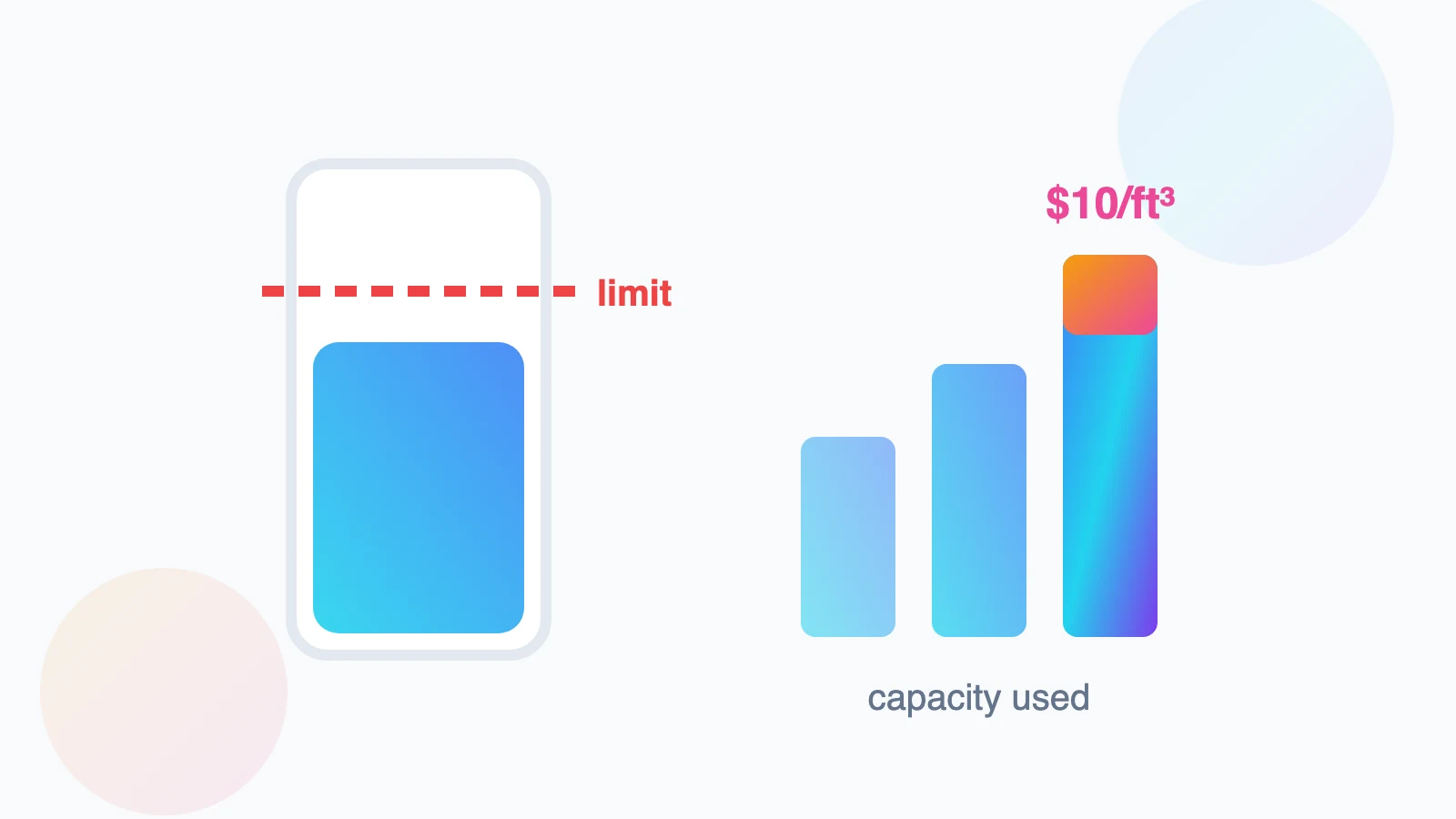
Nothing exposes the reality of renting Amazon’s warehouse network like a capacity limit: your products are selling, your reorder is on the water, and Seller Central informs you that your estimated capacity for next month is less than the inventory you already have inbound. Exceed it and the overage fee runs at $10 per cubic foot per month on the excess - a number designed to hurt.
Capacity limits are Amazon rationing warehouse space by seller productivity: your limit is essentially a bet Amazon makes on how efficiently you convert cubic feet into sales. Which means the system can be played properly - sellers who understand the inputs consistently get more space, and sellers who treat limits as arbitrary get squeezed at exactly the moments (Q4, launches, restocks after stockouts) they can least afford it.
Here is how the capacity system actually computes your number, the levers that raise it, the Capacity Manager bidding mechanism, and the triage playbook when the limit simply will not fit your plan.
How Capacity Limits Are Actually Set
Amazon publishes an estimated capacity limit monthly (in cubic feet, by storage type: standard, oversize, apparel, footwear, hazmat), confirmed in the third week for the following month. The main inputs:
- IPI score (Inventory Performance Index): the headline driver - a 0 to 1000 composite of excess inventory %, sell-through rate, stranded inventory %, and in-stock rate. Cross the periodic IPI threshold (historically 400 to 500) and limits loosen substantially; sit below it and limits bite.
- Your sales velocity and forecast: Amazon models expected demand for your catalog - growing, well-forecast sellers get growing space.
- Seasonality: network-wide limits tighten into Q4 as everyone competes for the same buildings.
- Account tenure and storage type mix: newer accounts start conservative; oversize and hazmat capacity are permanently scarcer.
Mental model: capacity = Amazon’s forecast of your sales × a productivity multiplier set by your IPI. You raise it by selling faster, forecasting cleaner, and carrying less dead stock - the same behaviours that make you money anyway.
Raising the Number: The Four IPI Levers in Priority Order
| Lever | What moves it | Speed |
|---|---|---|
| Excess inventory % | Liquidate/remove stock above ~90 days of supply; stop over-ordering long-tail SKUs | Fast - removals count within weeks |
| Sell-through rate | Units sold ÷ average units stored (trailing 90 days); improve by deals/ads on slow SKUs or trimming stored depth | Medium |
| Stranded inventory % | Fix offers with no active listing - the free win most accounts ignore; work the Stranded Inventory report weekly | Immediate |
| In-stock rate | Keep replenishable SKUs actually in stock - stockouts hurt IPI and now also trigger the low-inventory-level fee | Medium |
Sequence matters: stranded fixes and excess removals are mechanical and fast; sell-through and in-stock are planning disciplines. An account that clears stranded inventory and liquidates its aged tail can move IPI 50 to 100 points inside two cycles - often the difference between constrained and comfortable.
Buying Space: How the Capacity Manager Really Works
When the granted limit is not enough, the Capacity Manager lets you bid for additional cubic feet:
- You request extra capacity and set a maximum reservation fee per cubic foot you are willing to pay
- Requests are granted by bid, as space becomes available - higher bids clear first
- The clever part: the reservation fee is offset by performance credits - sales generated by the extra space earn credits (roughly $0.15 per dollar of sales) that reduce, often to zero, what you actually pay
- Net effect: if you genuinely sell through the extra space, it is close to free; if you park dead stock in it, you pay the full reservation fee
Bidding strategy: calculate the contribution margin the incremental inventory will generate; bid comfortably below that. For genuinely fast-turning restocks the credits usually wash the fee - the mechanism is deliberately designed to give space to sellers who convert it.
When You Are Over: Overage Triage
Overage fees ($10/cubic-foot/month on space used above your limit) compound weekly in effect because they are assessed daily on average excess. The triage sequence:
- 1. Stop the inflow: pause/redirect inbound shipments - inventory in receive still counts toward usage
- 2. Purge the worst space-per-dollar stock: sort stored inventory by cubic feet × days-of-supply; removal orders or FBA Liquidations on the bottom decile frees disproportionate space
- 3. Use removals to a 3PL, not disposal, for good stock: stage it outside and re-feed as capacity allows (an AWD or 3PL buffer makes this systematic)
- 4. Accelerate sell-through where margin allows: deals, coupons, and price cuts on overweight SKUs - clearing at thin margin usually beats $10/ft³/month plus aged surcharges
- 5. Re-bid in Capacity Manager for next month while the cleanup lands
The Structural Fix: Upstream Buffers and Flow
Accounts that stop having capacity crises share one design: FBA holds weeks of supply, not months. The pattern - a 3PL or Amazon’s AWD (Amazon Warehousing & Distribution) holds bulk stock and replenishes FBA continuously; AWD specifically comes with meaningful advantages (its inventory does not count against FBA capacity limits, auto-replenishes, and avoids the low-inventory-fee exposure). Combine that with honest per-SKU forecasting (buy to weeks-of-cover targets, not container economics alone) and Q4 pre-positioning by October, and capacity limits become a dashboard you glance at rather than a quarterly emergency.
Frequently Asked Questions
Where do I see my current capacity limit and usage?
Seller Central → Inventory → FBA Dashboard → Capacity Monitor. It shows granted capacity by storage type, current usage, inbound in-transit, and the estimated limit for next month, with the confirmed number arriving around the third week of each month.
What IPI score do I need?
Amazon periodically sets the threshold (historically 400 to 500) below which standard-size limits tighten. Practically, treat 500+ as the safety zone and 600+ as where limits stop being a planning constraint for most accounts.
Do inbound shipments count against my capacity limit?
Yes - capacity usage includes on-hand plus inbound (working, shipped, and receiving). This is what catches sellers out: a limit that covers current stock can still be blown by a container already on the water. Plan against total pipeline, not warehouse stock.
Is the Capacity Manager reservation fee worth paying?
If the extra space holds inventory that actually sells, performance credits (earned on the sales it generates) typically offset most or all of the fee. Bid only for space backed by real demand - it is designed to be near-free for productive inventory and expensive for parking.
How is AWD different from using my own 3PL as a buffer?
AWD is Amazon’s upstream bulk storage that auto-replenishes FBA; its stock does not count against capacity limits, and it integrates natively (also shielding you from low-inventory fees when enrolled appropriately). A 3PL gives more control and multi-channel flexibility. Many brands run AWD for FBA flow plus a 3PL for everything else.